

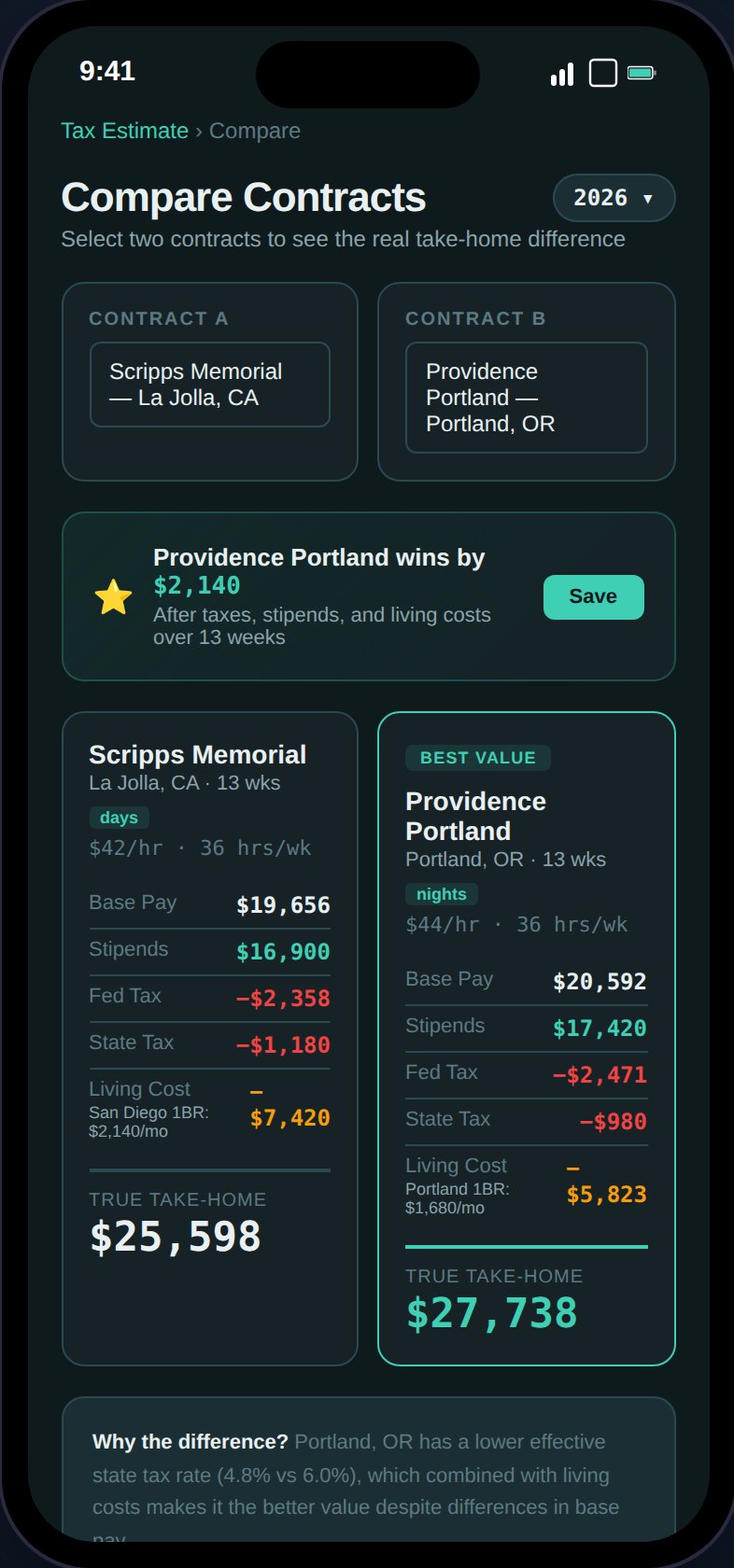
Compare two contracts side-by-side with tax impact, FMR-based living cost, and a clear winner.
How It Works
1
Select or enter contracts
Choose from your existing assignments or enter hypothetical contract details:
- Base pay, housing stipend, M&IE stipend
- State and location
- Contract length (weeks)
- Bonuses (sign-on, completion, referral)
2
Compare results
TaxHomeBase calculates for each contract:
- Gross taxable income — Base pay + bonuses
- Stipend total — Tax-free housing + M&IE
- Federal tax — Based on your filing status and employment type
- State tax — Using the assignment state’s brackets
- SE tax — Self-employment tax (1099 only)
- Living cost — Based on HUD Fair Market Rent for the location
- Net take-home — What you actually keep
3
See the winner
A banner shows which contract wins and by how much (weekly difference).
FMR-Based Living Cost
Instead of using a crude estimate, TaxHomeBase uses HUD Fair Market Rent (1BR monthly) to estimate living costs at each location. This provides an accurate cost-of-living comparison — for example, rural Minnesota vs. Manhattan. The living cost row shows:- Weekly rent estimate (FMR monthly / 4.33)
- FMR area name when matched (e.g., “Rochester 1BR: $950/mo”)
For hypothetical contracts without a state set, the comparison falls back to a 1.2x housing stipend estimate.
Saving Comparisons
After viewing results, click Save to persist the comparison as an immutable snapshot:- Enter a name for the comparison
- The contracts, results, winner, and difference are frozen
- Saved comparisons appear in a list below the results
Viewing Saved Comparisons
- Click any saved comparison to view it in read-only mode
- Data is frozen at the time of save — no recalculation
- Year picker filters saved comparisons by year
- Delete with a soft-delete (can be restored)
Tax Calculation
The comparison uses the same tax engine as the Tax Estimate page:- Federal tax brackets by year
- State tax brackets
- Self-employment tax for 1099
- Standard deduction by filing status
- W-2 vs. 1099 deduction handling